 Sorted
Every sheet lands in its discipline.
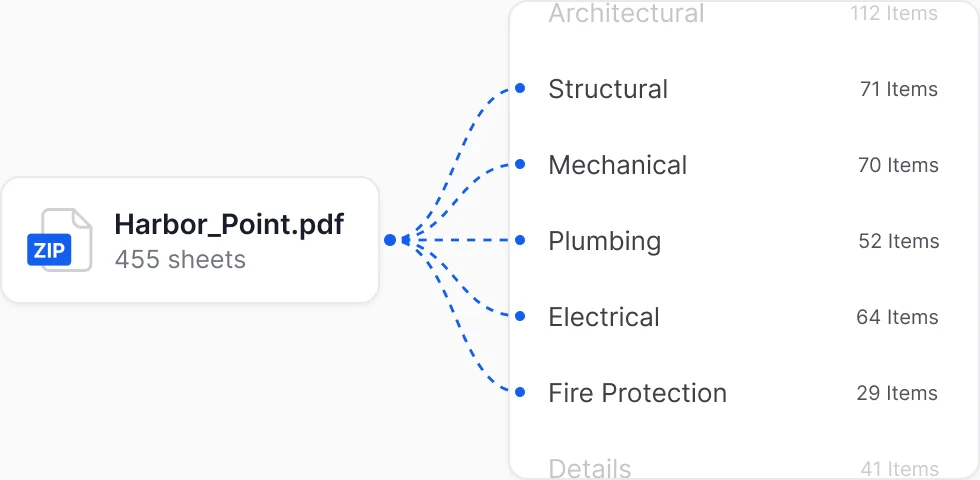
Upload the whole set as one file. PLAT Intelligence splits it into Structural, Mechanical, Plumbing and every other discipline on its own.
World of Concrete 2027 / Booth N1373 World of Concrete 2027 / Las Vegas / Booth N1373
Booth visit Jan 19-21, 2027
Planroom
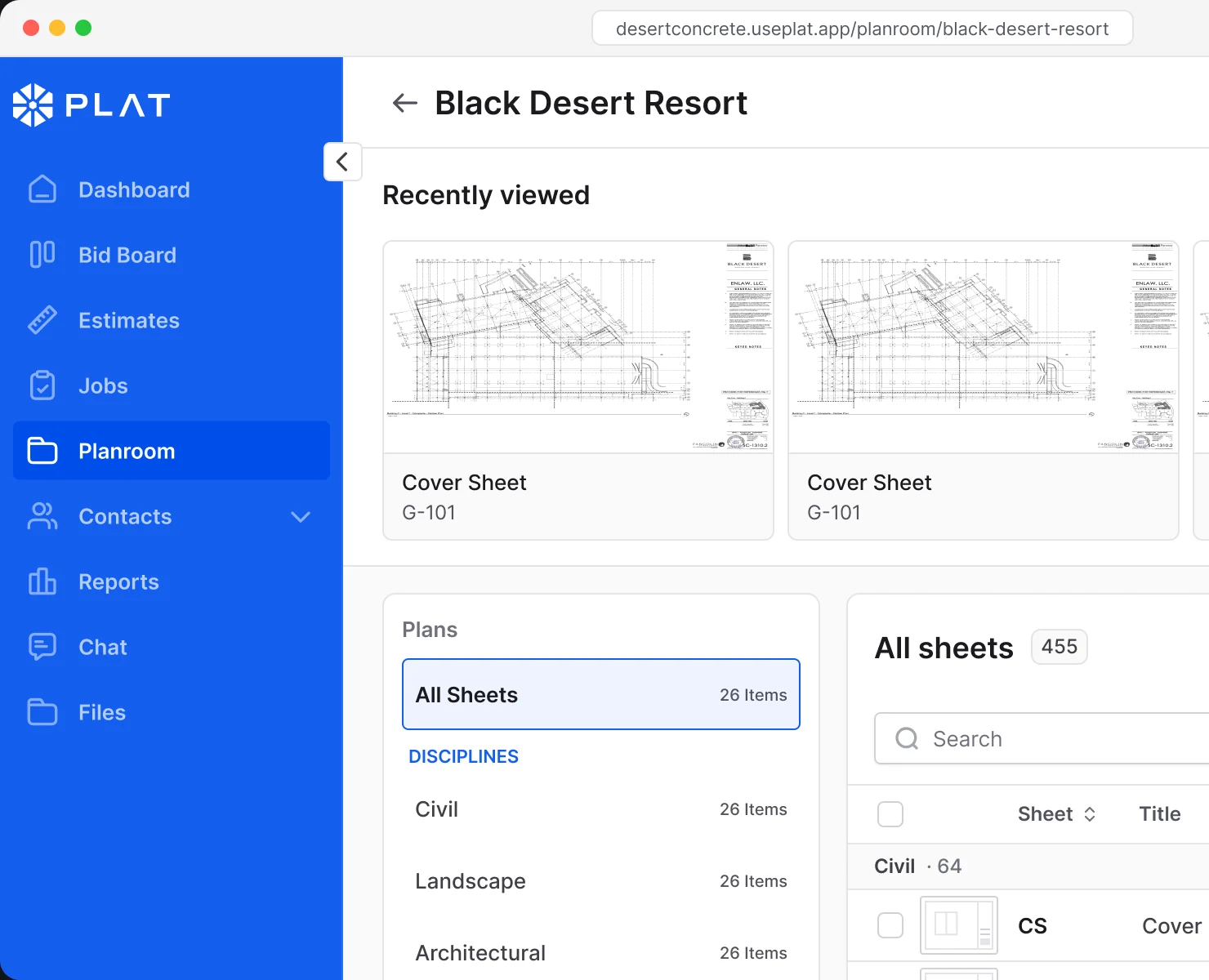
Upload the set once. Every sheet is sorted by discipline, kept on its current version, and one click from the viewer.
AI powered
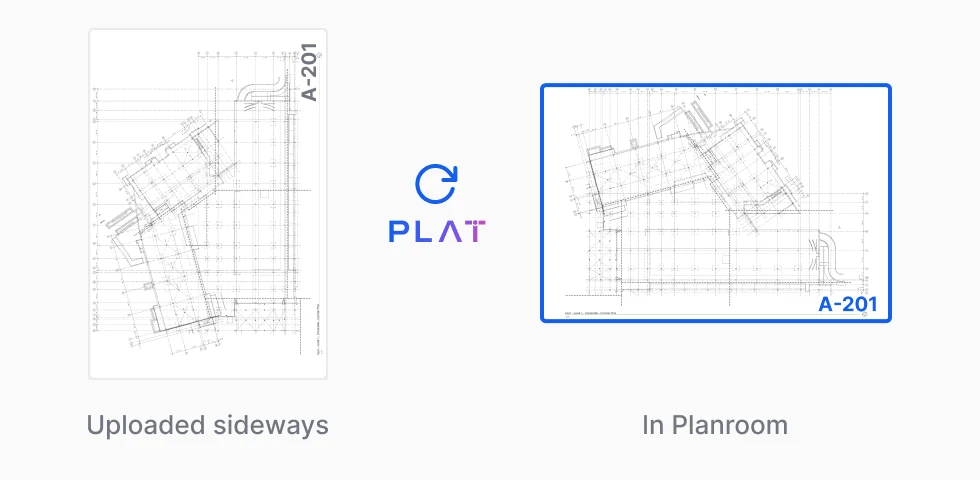
Bulk upload every PDF at once. PLAT Intelligence reads each sheet, puts it in the right discipline and turns it the right way up, so the set is ready when it lands.
SortedUpload the whole set as one file. PLAT Intelligence splits it into Structural, Mechanical, Plumbing and every other discipline on its own.
Auto-preparedPLAT Intelligence turns every sheet upright as it lands, so the set reads straight from the first page. Then, the sheet labels and title are automatically pulled for you.
Highlights
PLAT Intelligence puts every sheet in its discipline.
Every sheet shows its version, so you know you are on v8.
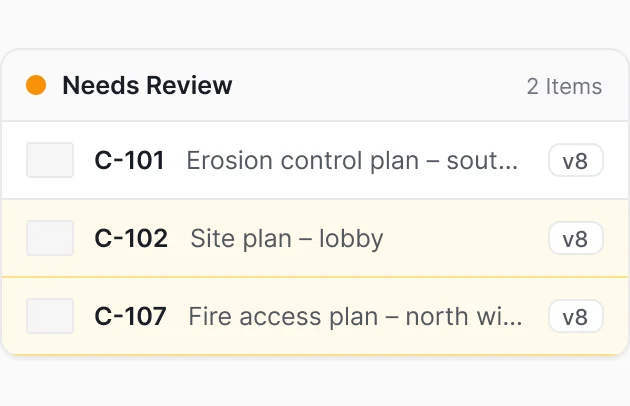
New notes and tags flag the sheet until someone looks.
No more waiting for large plans to process with industry-leading speed.
A deeper look
Everything you need to find the right sheet and know what changed.
The sheets you opened last are waiting at the top of the set.
A new note or tag in the viewer flags the sheet until someone reviews it.
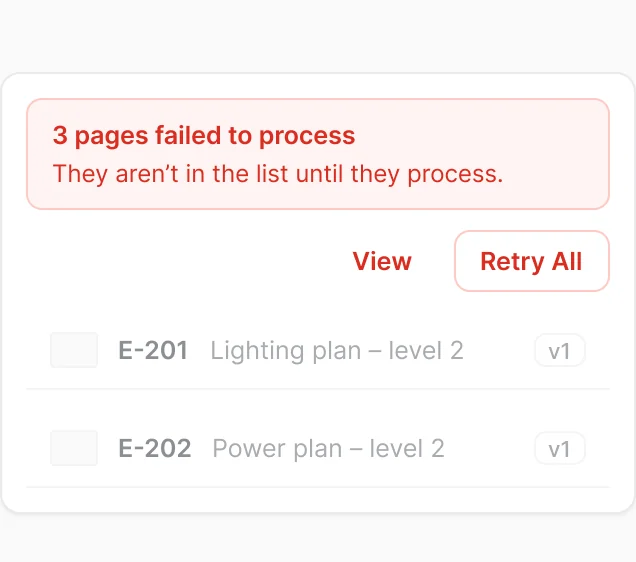
If pages fail, you see how many and retry them all at once.
The sheets are labelled for you at 98% accuracy.
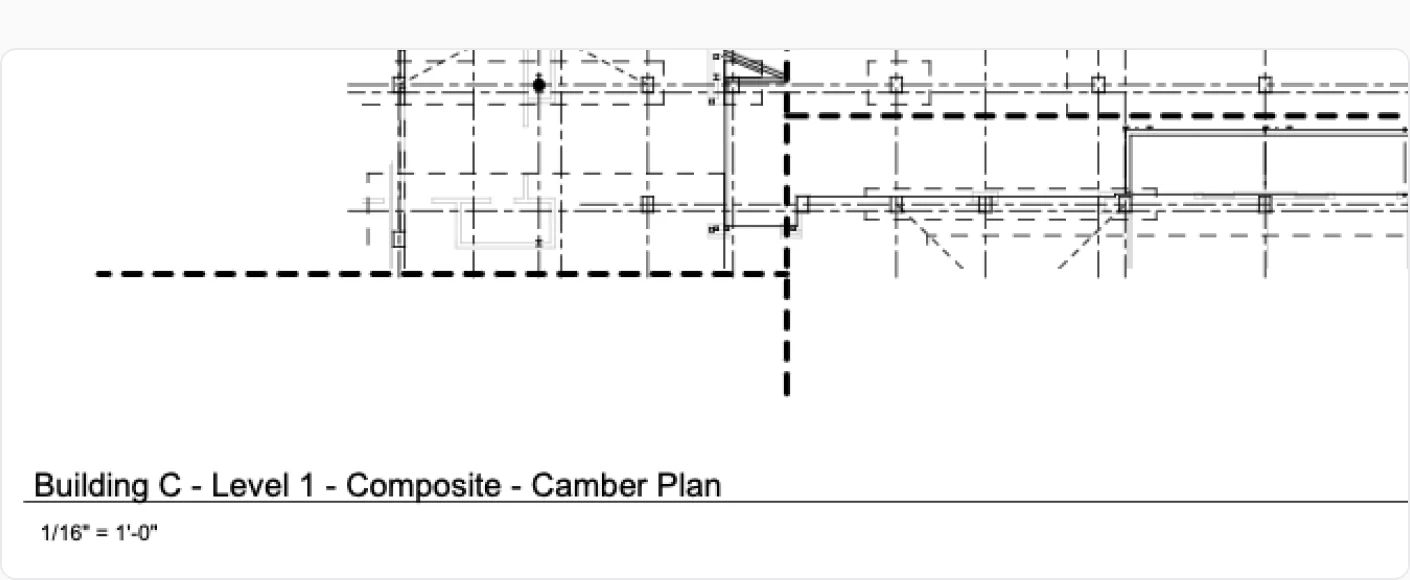
Built for big sets
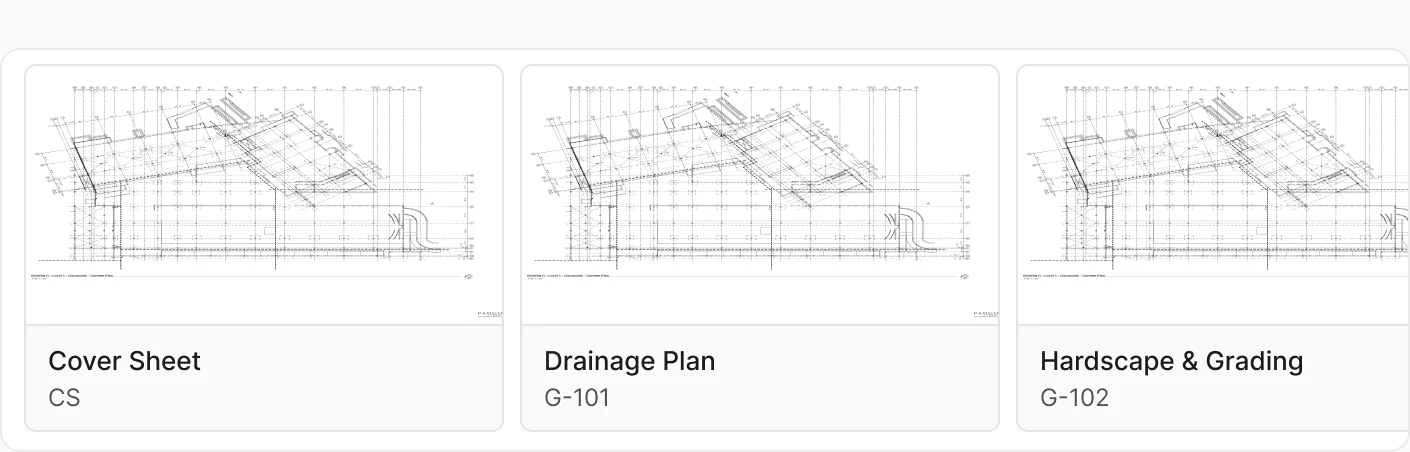
Planroom keeps the plan sets grouped by trade, with your recent sheets up top and a grid when you want to see thumbnails.
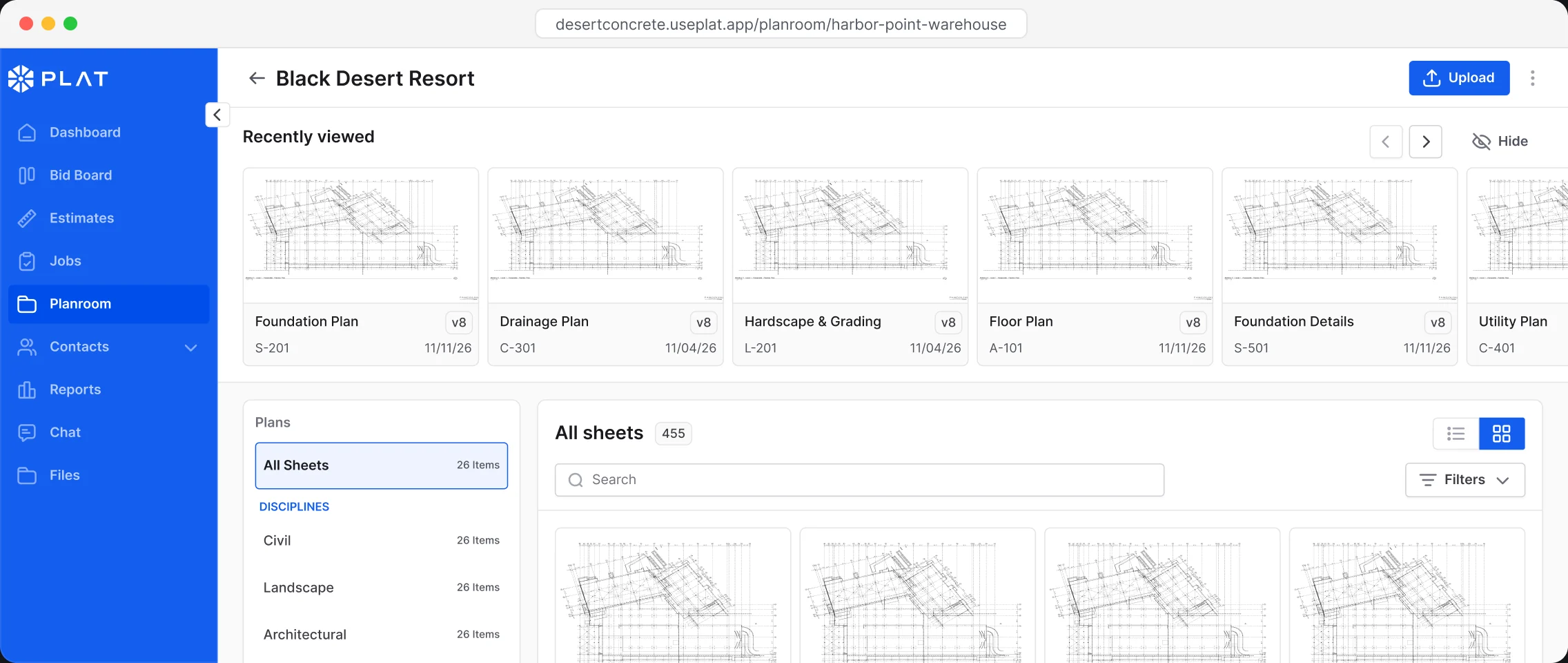
The sheets you opened last sit at the top of the set.
Scan sheet numbers in a list or thumbnails in a grid.
New notes and tags collect in one place until someone checks.
If a page doesn’t process, you see it and retry them all at once.
FAQ
Straight answers about Planroom. Anything else, we will walk you through it on a call.
Big sets are the point. A typical set is around 250 sheets, and Planroom has been tested with sets over 450.
PLAT AI sorts each sheet into its discipline and turns it the right way up as the set uploads. Move any sheet to a different discipline from its menu.
Choose Upload new version on the sheet. It keeps its sheet number and shows the new version, like v8.
The sheet has a new note or tag in the viewer that needs review. Those sheets also collect under Needs Review.
Open a sheet in the viewer to drop pins for issues, questions and notes, and add highlights. Show or hide resolved items.
Planroom tells you how many pages failed and lets you retry them all at once. They show up in the list once they process.